
MP4H.264 · HEVC · sound
Fits a chat upload
A quality slider, a size of full, half or a fixed width, and the only format that keeps sound.
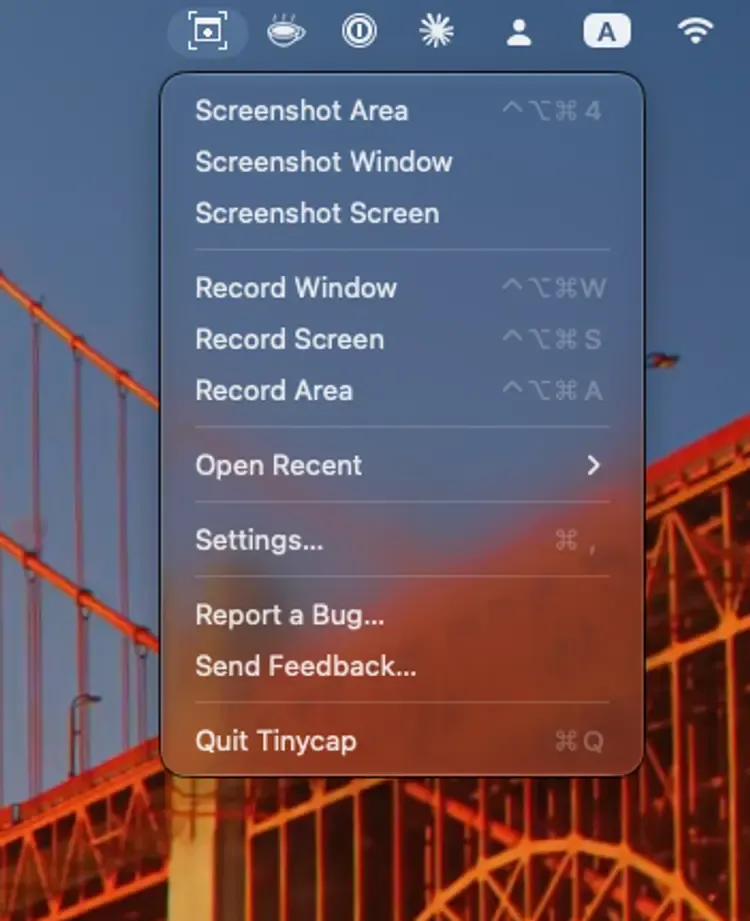
Tinycap is a tiny menu-bar app for macOS. Record a window, a screen, a dragged area or an iPhone or iPad on a cable, with system audio and your mic if you like, to a small MP4, WebM or GIF, or grab a screenshot and mark it up. Then drop the file straight into a pull request.
brew install --cask soleo/tap/tinycap
named after Kap + LICEcap
Recording
Pick the format the next step needs. Before you export, Tinycap encodes a short sample of the clip and estimates the file size, so you know it will attach before you wait.
A quality slider, a size of full, half or a fixed width, and the only format that keeps sound.
Keeps the recording’s real frame timing, tagged so browsers show the right colors.
Presets, ordered dithering, and “Fit under N MB”, which steps the settings down until the file fits.
New in v0.7 iPhone & iPad
Record or screenshot an iPhone or iPad connected by cable. If the device rotates mid-recording, the clip keeps its first orientation. The first time, macOS asks for Camera access, because it lists connected devices as cameras.
Connect an iPhone or iPad by cable and unlock it. Record and Screenshot items for it appear in the menu, and go away when you unplug it.
The device’s screen opens in a window with Record, Stop and Screenshot. The menu-bar timer and the stop shortcut work too.
Captures are at the device’s own resolution and go through the same trim, export and screenshot editor as Mac captures.
One checkbox exports the size App Store Connect accepts for the device, at 30 fps with sound, and warns if the clip isn’t 15–30 seconds. It works for a Simulator window too.
Sound
Sound is off until you turn it on, so silent clips and their file sizes don’t change. Turn it on and the preview plays with sound; untick either source to leave it out.
Everything your Mac plays, in window, area and screen recordings. Tinycap’s own sounds are left out.
Talk over your recording. Pick any input: built-in, USB, an audio interface or Bluetooth.
The mic goes through the same echo cancellation as FaceTime. Turn it off for a studio mic or headphones.
Mixed into one track for Chrome, Slack and GitHub, or separate tracks for a video editor. WebM and GIF stay silent.
Screenshots
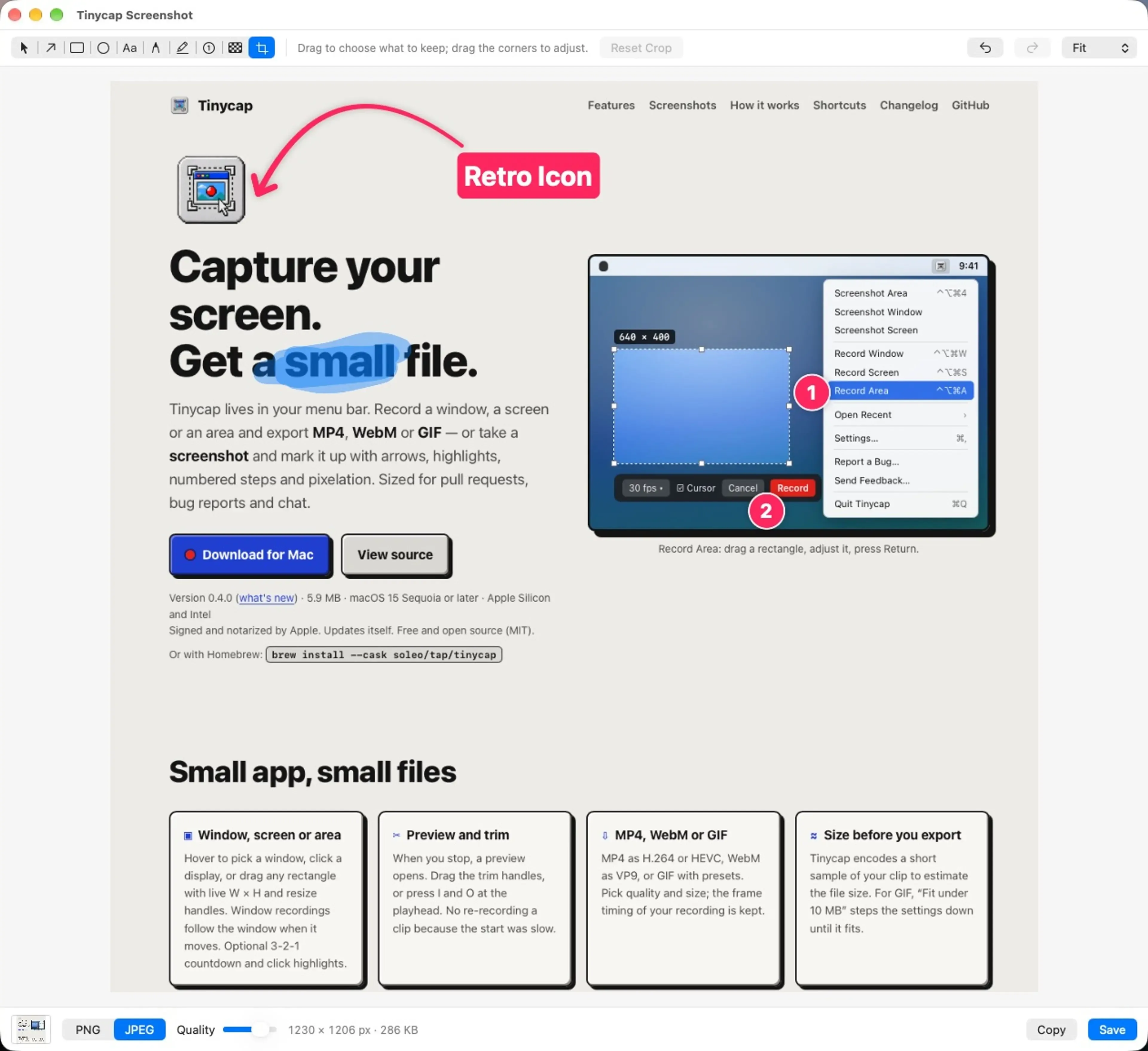
Full Retina captures from the same overlays. A floating thumbnail waits in the corner: click it to edit, drag it into any app, or leave it and it is saved.
Pixelated means gone. The export replaces those pixels, so nothing can be recovered from the file. Copy with ⌘C or save with ⌘S as PNG or JPEG, with no location or device metadata.
Under the hood
The obvious choice, gifski, is AGPL, which fits neither an MIT project nor the App Store. So Tinycap ships its own, built on one observation: a screen recording is mostly still, with small regions of change.
Privacy
An App Store build, with no updater and no network access at all, is in App Review.
why I built it
“I wanted the one tool that is native, small, makes small files, and whose source I could read.”
Kap is lovely but no longer maintained. LICEcap is tiny and reliable, but only makes GIFs. Tinycap is named after both, and built in Claude Code sessions as an experiment in shipping a first native app.
Read the story: Two Tools for the Human in the Loop →
Free and open source. Requires macOS 15 or later.
brew install --cask soleo/tap/tinycapWhat’s new in v0.7.0 · Product Hunt · Hacker News · Tinycap site
Tinycap is free. If it saves you time, buy me a coffee.
Also from me: bogyman, a CLI that tells you which of your coding agents is waiting on you.